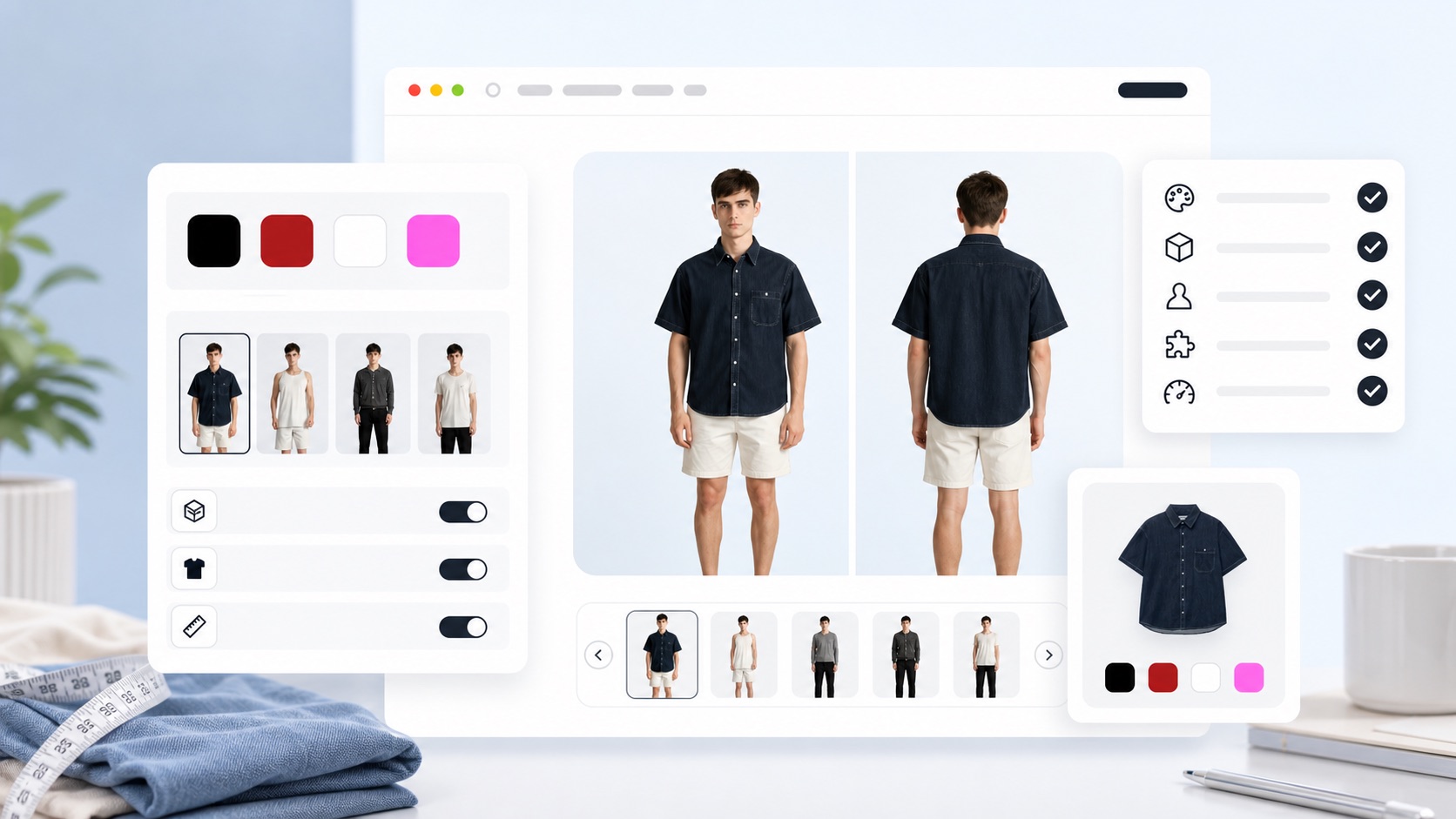
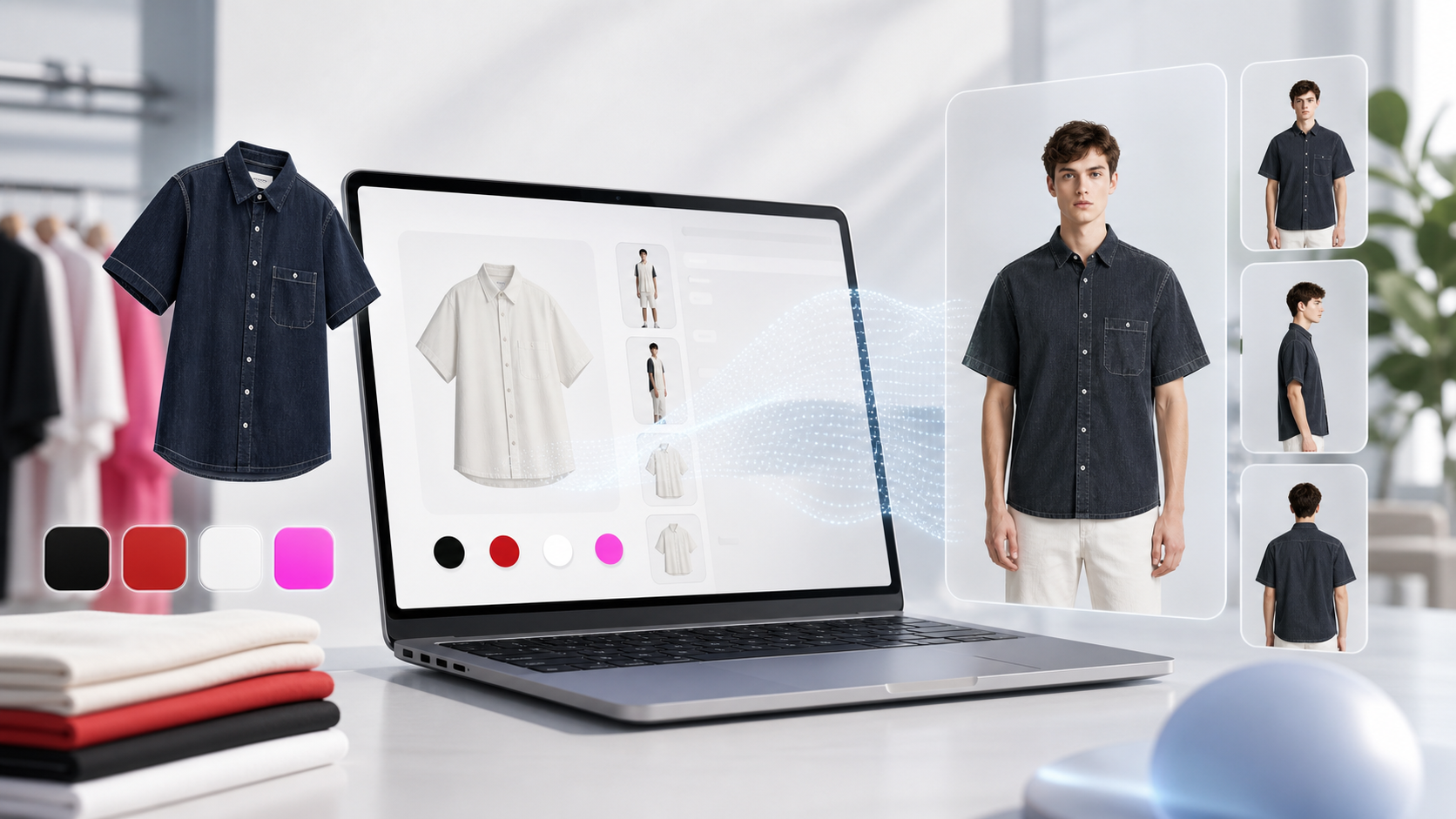
A good virtual try-on demo can look impressive. But fashion ecommerce teams should ask what happens when the software sits inside a real product page. Shoppers need clarity. Operators need control. The brand needs an online fitting room that feels native to the store.
1. Are the image requirements realistic?
Virtual try-on quality depends on input quality. Blurry garment edges, folded products, and busy backgrounds can make fitting results less reliable. Before choosing software, ask what product images are required and how much of your existing catalog can be used.
2. Can you control default fitting models?
A fitting model that does not match the store audience can make the preview less useful. A womenswear brand, a menswear store, and a unisex basics label should not have to use the same default model set. Look for software that lets operators manage model choices and defaults.
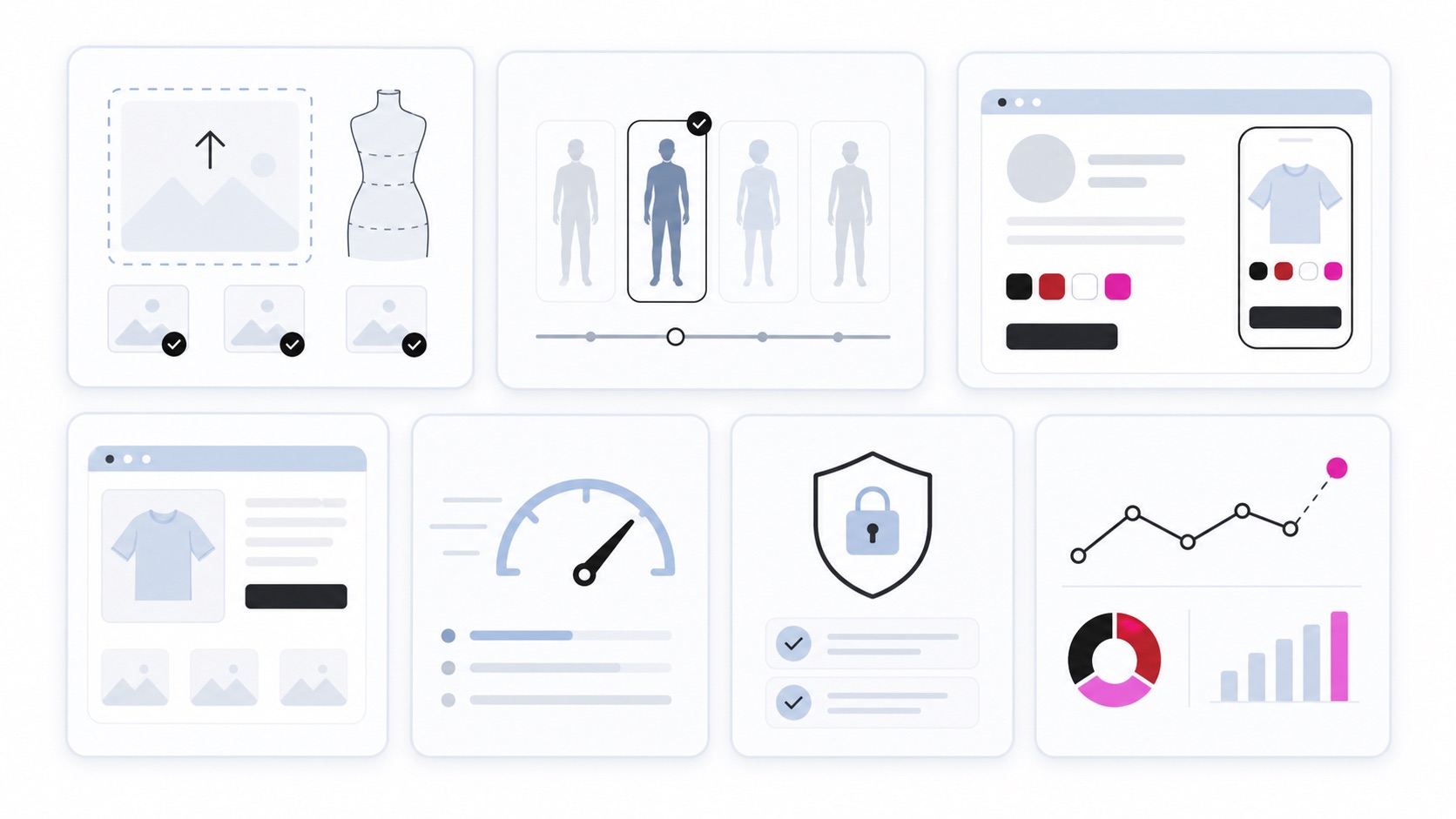
3. Does it fit your storefront design?
If the try-on button looks like an external ad, shoppers may hesitate. Colors, labels, buttons, and result cards should match the storefront. The experience should feel like a native shopping feature, not a separate tool pasted onto the page.
- Check whether button colors, labels, and radius can be customized.
- Confirm that header copy and helper text can change by language.
- Review the try-on history and result cards on mobile.
- Test the flow on a real product detail page, not only a standalone demo.
4. Are loading and failure states handled?
AI generation can take time. The experience needs clear loading, failure, retry, and rate-limit behavior. If a shopper taps multiple times, the interface should prevent duplicate requests and explain what is happening.
5. Are image privacy and data boundaries clear?
If shoppers upload their own photos, privacy requirements become more important. Ask what images are stored, how long they are kept, and how deletion requests are handled. Even model-based try-on should have a clear data flow and security boundary.
6. Can you measure the operation?
After launch, teams should be able to review click-through rate, try-on generation rate, failures, conversion signals, and return trends. Measurement is what lets a brand improve button placement, model defaults, and copy over time.
7. Can shoppers compare results later?
Virtual try-on is stronger when it supports comparison. Shoppers should be able to revisit recent fittings, compare garments, and continue the purchase decision without losing context.
Choosing virtual try-on software is not only an AI quality decision. It is a product-page UX decision.
Sources
- Coresight Research, The True Cost of Apparel Returns Why size and fit matter in online apparel returns
- Baymard Institute, 5 UX Best Practices for Apparel E-Commerce Apparel product page UX guidance on model imagery
- NRF and Happy Returns, 2024 Retail Returns report Return experience and shopper loyalty context
Related articles
 Virtual try-on
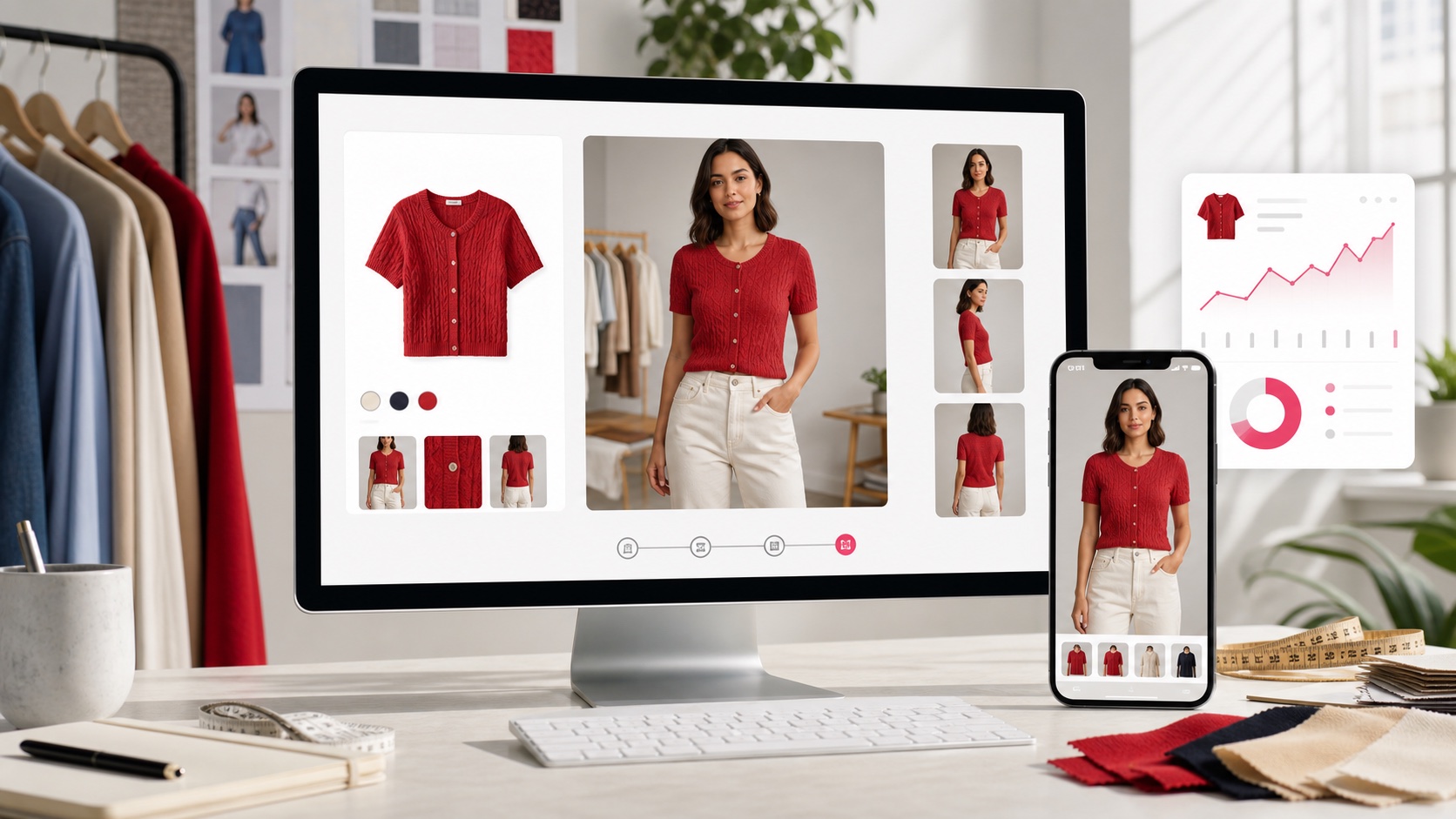
Google Try-On Changed the Signal: AI Virtual Try-On Is Becoming Shopping UX
Google Shopping now brings AI virtual try-on closer to product discovery. Here is what fashion ecommerce teams should prepare across product images, shopper photos, privacy, and measurement.
 Returns & conversion
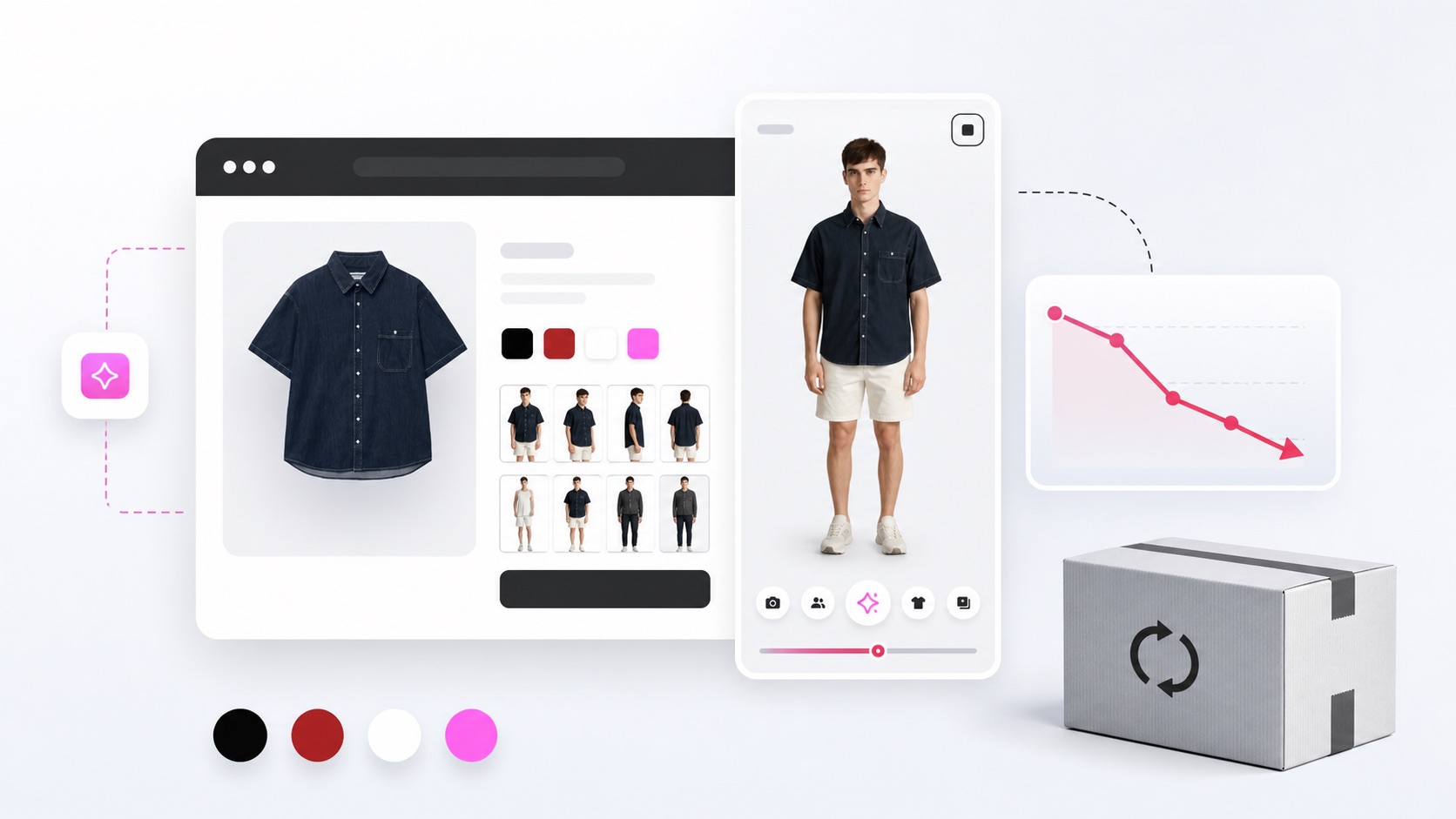
How to Reduce Apparel Returns: Start With Size and Fit Uncertainty
Apparel returns often start before checkout. Learn how product imagery, model photos, AI virtual try-on, and clearer buying flows can reduce size and fit uncertainty.
 Virtual try-on
What Is Virtual Try-On? A Fashion Ecommerce Guide
Virtual try-on helps shoppers see how clothing may look before checkout. Learn why fashion ecommerce teams use virtual try-on software, AI fitting, and online fitting rooms.
Evaluate virtual try-on in a real shopping flow
Open the ThatzFit demo to see product-page fitting, default models, and try-on history together.